A free slot returned by a calendar API is not a reservation. It is an observation made at a particular time against a particular set of calendars and business rules. Model the search result with its timestamp, time zone, calendar set, duration, buffers, and eligibility policy. The booking workflow must expect the state to change between display and commit. This mental model prevents a visually open slot from being treated as a guaranteed promise to the customer.
Define the authoritative calendar set
List which calendars control availability, which are informational, and which must never be exposed to customers. Include travel buffers, working hours, blackout periods, and minimum notice in one policy layer. Do not let each channel invent its own availability rules. A representative who blocks time in a personal calendar should not be ignored simply because the booking page reads a different calendar. Ownership of the rule matters more than the convenience of a connector.
Use a two-phase booking interaction
First search and present eligible options. Then re-check availability immediately before creating the appointment. If the provider supports a temporary hold, bind it to the customer, slot, and expiry. Otherwise keep the confirmation window short and treat any commit conflict as a normal branch. Never send a definitive confirmation message before the provider returns the created event or an equivalent authoritative identifier.
Make booking attempts idempotent
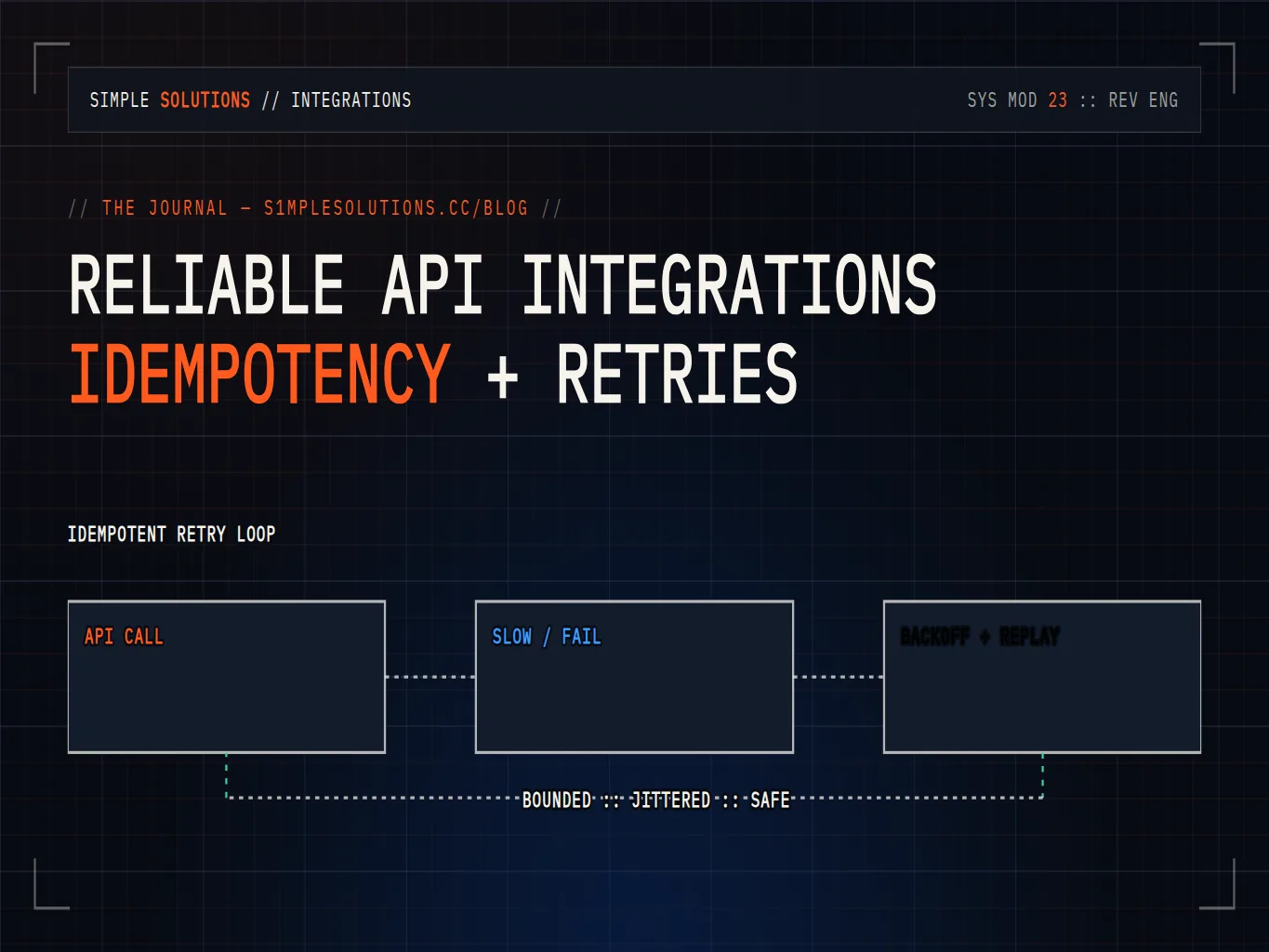
Create a stable booking request key from the conversation or form submission, requested service, customer, and selected slot. Store the key before calling the provider and reuse it on retries. If the provider times out, query by the key or external reference before attempting another create. A second request can look like a recovery but create duplicate appointments when the first call succeeded and only its response was lost.
Handle conflicts with an honest recovery path
When a slot is taken, return to the availability decision rather than presenting a generic error. Offer a small set of fresh options, preserve the customer’s service and time-zone context, and explain that the selected time was claimed before confirmation. If no option remains, create an owned follow-up task instead of leaving the conversation in a false booked state. Record conflict frequency by source and time window so policy can improve.
Separate provider truth from CRM state
The calendar provider owns the event’s existence; the CRM owns the customer context and commercial workflow. Store the provider event ID, calendar ID, start and end timestamps, time zone, status, and last synchronization time. Reconcile cancellations, reschedules, and deletions in both directions. Avoid allowing a CRM stage of booked to survive after the provider has cancelled the event.
Verify with concurrency and time-zone tests
Test two customers choosing the same slot, daylight-saving transitions, calendar permission loss, slow provider responses, duplicate form submissions, reschedules during reminders, and a cancellation arriving during confirmation. Measure commit conflicts, duplicate events, stale confirmations, and reconciliation age. The release gate is not that the happy path books successfully; it is that every ambiguous outcome becomes visible, recoverable, and correctly owned.
Make the customer experience conflict-aware
The customer-facing flow should be designed around uncertainty without sounding unreliable. Label options as available for confirmation rather than guaranteed until the event is committed. Keep the selected service, staff preference, duration, and time zone in the request key so a conflict recovery does not ask the customer to repeat the entire conversation. When a conflict occurs, offer alternatives close to the original intent and show the actual local time. If the provider returns an ambiguous result, say that confirmation is pending and create an owned exception rather than sending a booking email. Reminder workflows should check event status again and stop when the appointment is cancelled or moved. For teams with multiple calendars, add a daily reconciliation report showing events created by automation, events changed by staff, and records whose CRM status disagrees with provider status. Use that report to correct policy and permissions. Good scheduling automation does not pretend calendars are static; it makes changing availability explicit, preserves trust, and gives both customer and operator a clear recovery path.